
FREE & EDITABLE MICROSOFT WORD CV TEMPLATES
Download professional, editable CV templates for Microsoft Word. Choose a design, customise it with your own information and create a CV ready for your next job application.
Editable in Microsoft Word • DOCX format • Easy to customise • Professionally designed
Find the Right CV Template
Choose from simple, modern and professional CV templates designed to be edited directly in Microsoft Word.
Professional CV Templates
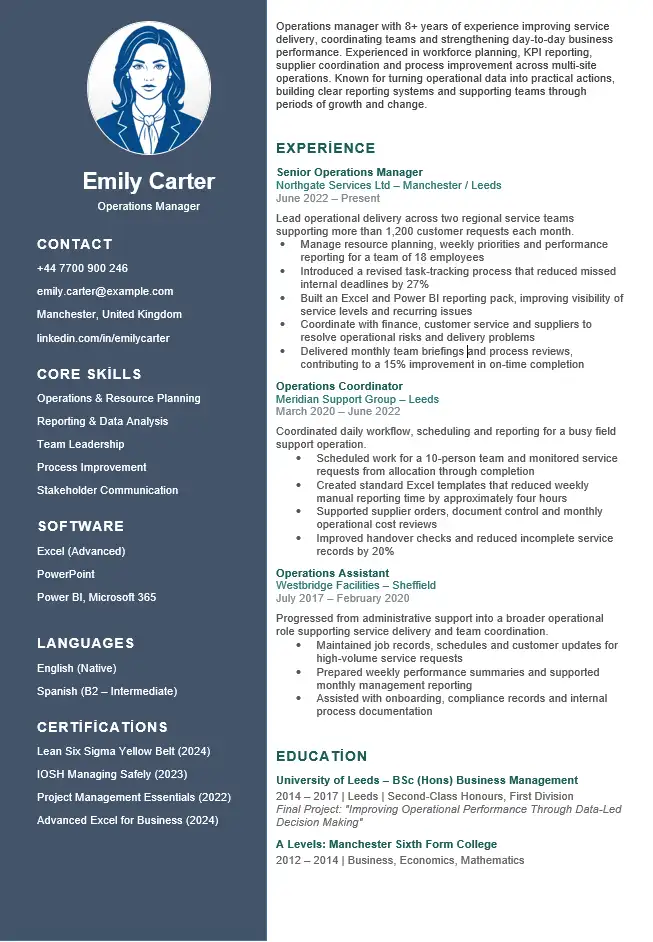
Clean and professional Word CV templates suitable for a wide range of industries and job applications.
Modern CV Templates
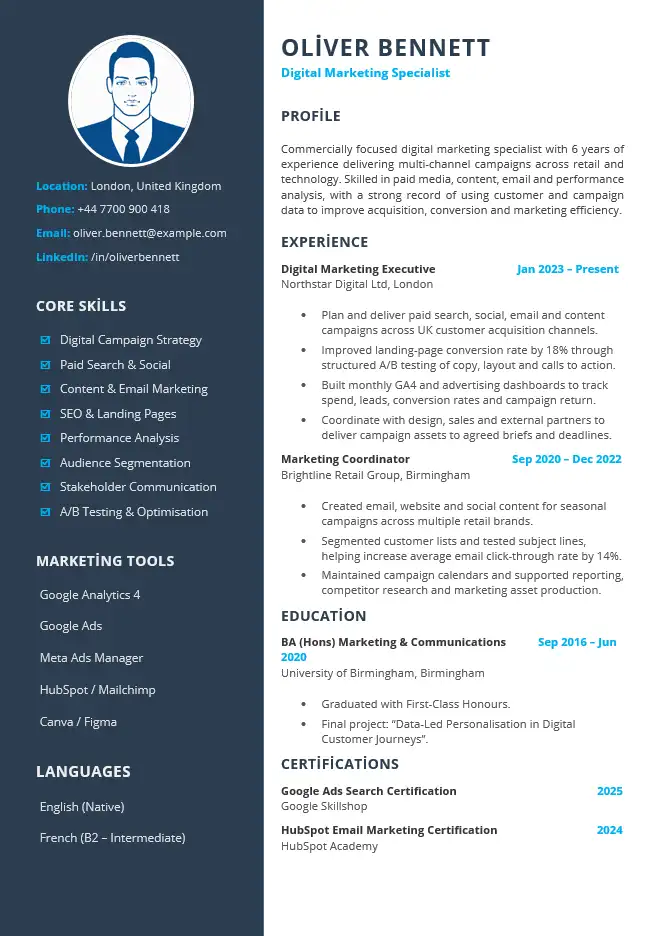
Contemporary CV designs combining clear layouts, modern typography and easy Word editing.
Simple CV Templates
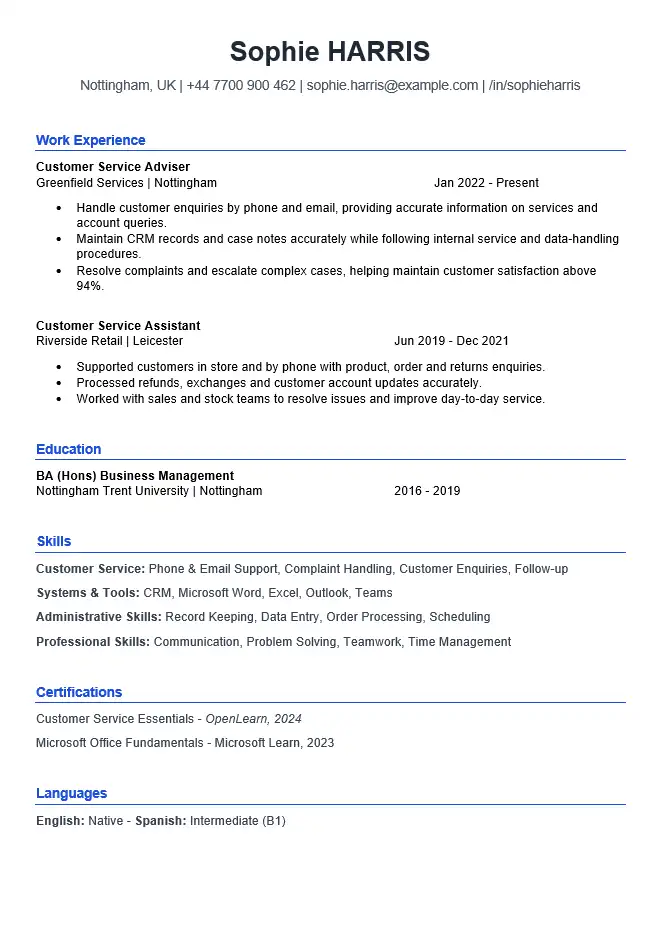
Simple and easy-to-read CV templates designed for applicants who prefer a clear and straightforward format.
More Word CV formats: ATS-Friendly CV Template • Blank CV Template • One-Page CV Template • Two-Page CV Template
CV Templates for Every Career Stage
Whether you are applying for your first job, changing careers or looking for a more professional CV, WordCV provides editable templates for different situations.
Student CV
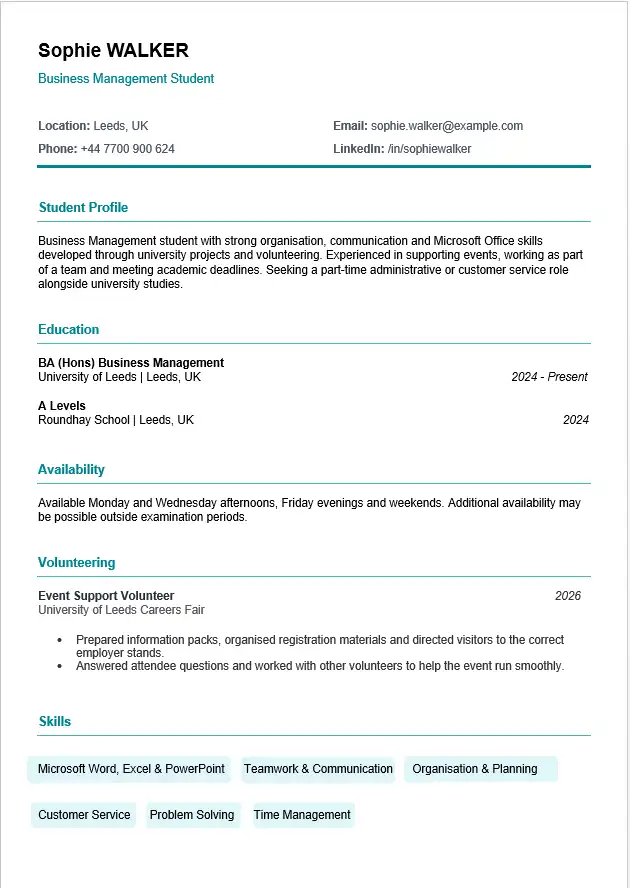
Create a clear CV that highlights education, skills, projects and relevant experience.
Graduate CV
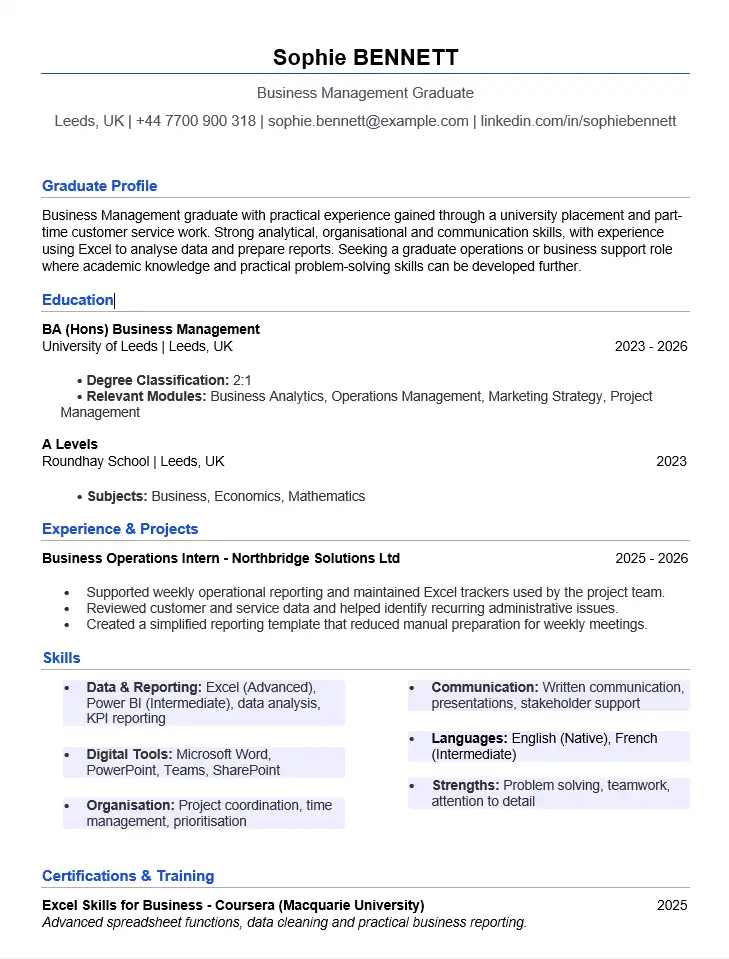
Present your qualifications, achievements and early career experience professionally.
No Experience CV
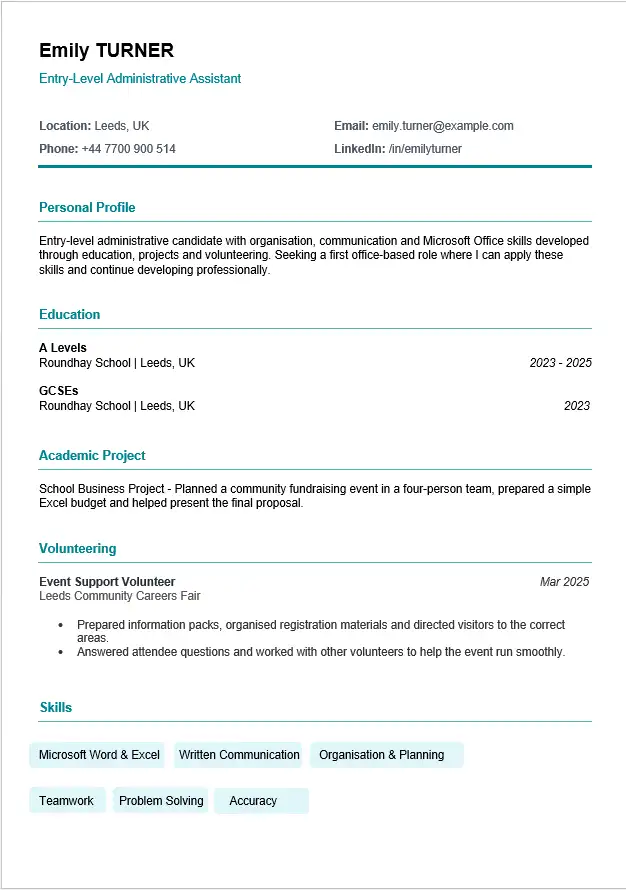
Build a strong CV even if you have little or no previous employment experience.
Moving into a new field? See our career change CV example.
CV Examples by Profession
Explore profession-specific CV examples with sample personal statements, skills, work experience and downloadable Word templates.
Teacher CV
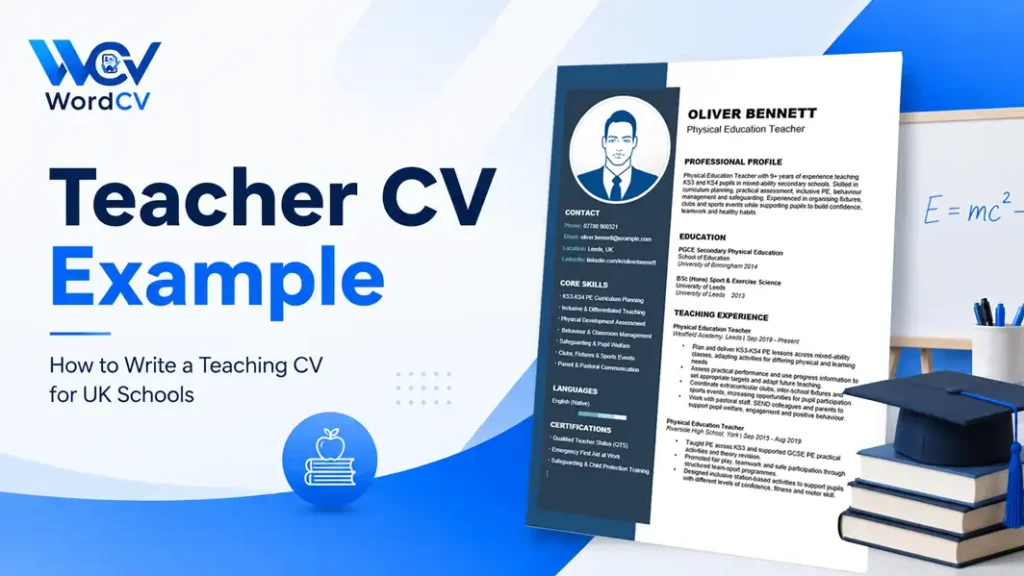
See how to present teaching experience, classroom skills, qualifications and professional achievements.
Nurse CV
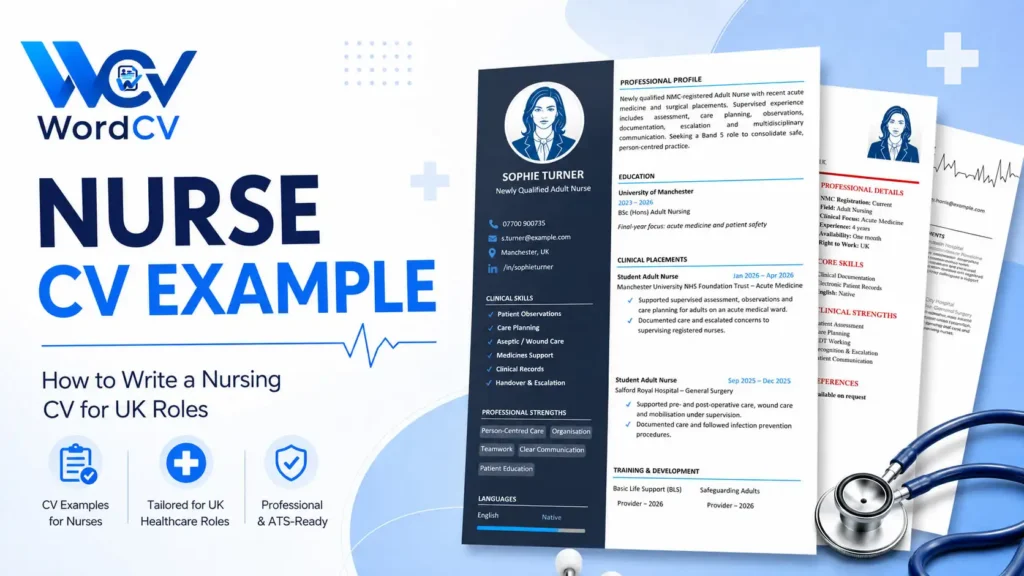
Build a professional nursing CV focused on clinical experience, patient care and relevant qualifications.
Accountant CV
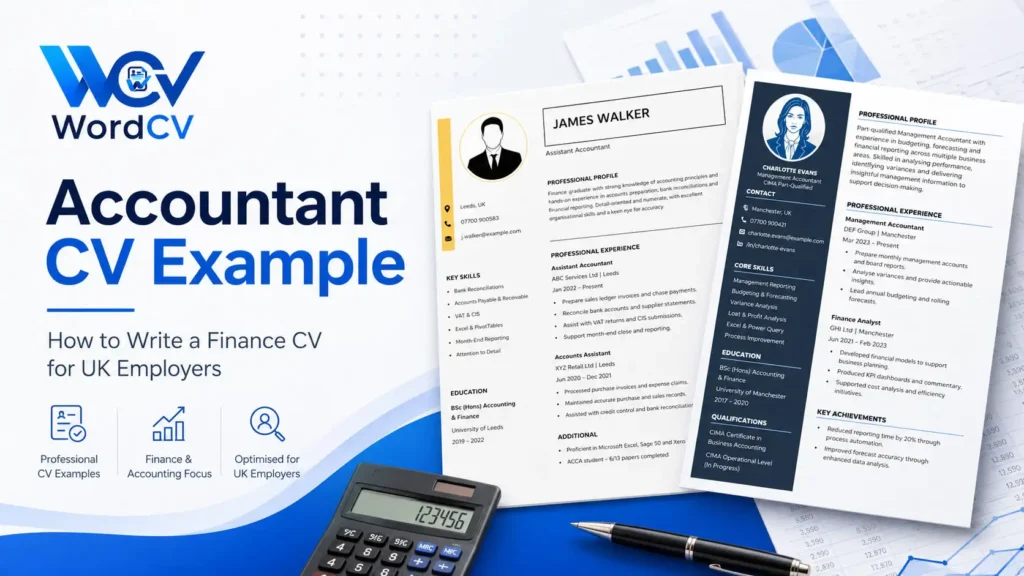
Highlight accounting experience, financial skills, software knowledge and measurable achievements.
More CV examples: Teaching Assistant • Care Assistant • Administrative Assistant • Customer Service • Retail • Retail Sales Assistant • Barista • Data Analyst • Software Developer • Engineer
Why Use WordCV?
Editable Word Files
Our CV templates are designed to be opened and edited in Microsoft Word, so you can easily change text, sections and formatting.
Practical CV Examples
Each profession-specific page includes realistic examples to help you understand what to write in your own CV.
Simple to Customise
Download your chosen template, replace the example information with your own details and save your finished CV.
How to Create a CV in Word
1. Choose a Template
Select a CV template that suits your profession, experience level and preferred style.
2. Download the Word File
Download the editable DOCX file and open it in Microsoft Word or another compatible word processor.
3. Add Your Information
Replace the example content with your personal details, work experience, education, skills and achievements. Follow our guide on how to edit a CV in Word without breaking the layout.
Helpful Word CV Guides
Add jobs, delete sections and fix moving headings, extra pages and photos without rebuilding the document.
Why Does My CV Move to a Second Page? →
Find out what pushes your CV onto an extra page and whether to shorten it or keep two pages.
Write a clear profile, describe your experience and tailor your CV to each job.
Start with a Free Word CV Template
Browse our collection of editable Microsoft Word CV templates and find the right format for your next application.